At a glance
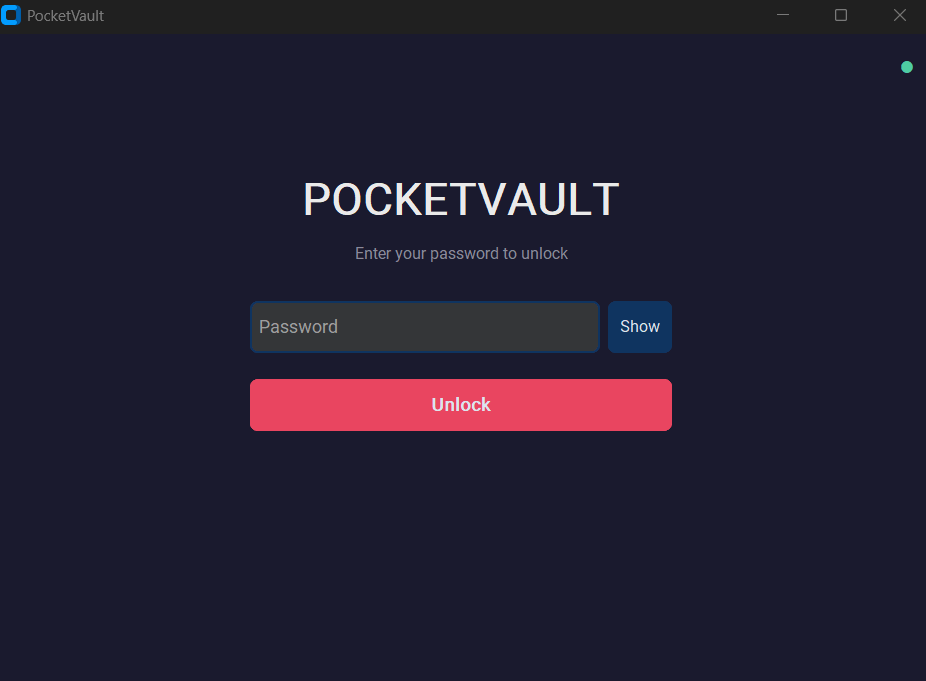
PocketVault is a self-contained encrypted store you carry on a USB drive. Drop files in, and they're written back out as authenticated AES-256-GCM blobs with no recoverable filenames, structure, or metadata in the clear. The encryption key never touches the disk — it's derived from your password every time you unlock and discarded the moment you lock. Everything runs locally; the app makes zero network requests and stores nothing about you anywhere but the drive in your pocket.
Architecture
The app is split into three clean layers: a native desktop UI, a self-contained crypto engine with no UI knowledge, and a storage layer that only ever sees opaque ciphertext. Keys flow downward and are held only in memory; nothing above the crypto engine ever sees a plaintext key, and nothing below it ever sees plaintext data.
On-disk file format
Every stored file is wrapped in a single self-describing envelope. The salt makes each file's key unique even under the same password; the GCM tag means any tampering with a single byte fails the decrypt instead of returning garbage.
Cryptography
The crypto is deliberately boring — standard, well-reviewed primitives wired together carefully, with no home-rolled algorithms. The interesting part is the cost tuning: you choose how hard your password is to attack, trading unlock speed for brute-force resistance.
AES-256-GCM
Authenticated encryption everywhere. Confidentiality and integrity in one pass — a modified ciphertext fails to decrypt rather than yielding corrupted plaintext.
Argon2id
Memory-hard password hashing, the current best-practice choice. Each unlock re-derives the key; nothing reusable is stored.
Three KDF profiles
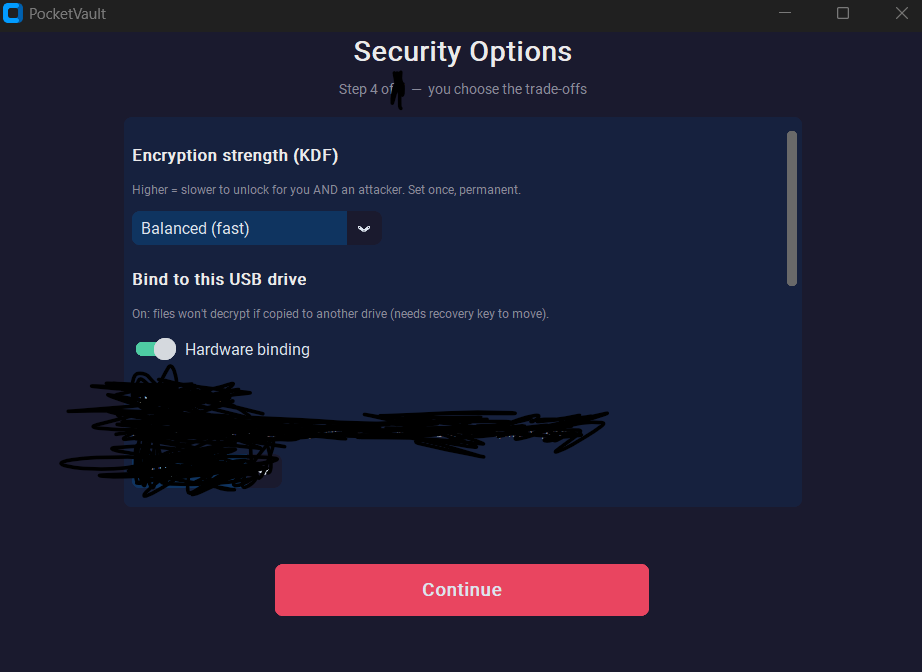
Balanced, Strong, and Paranoid map to 64 MB / 128 MB / 256 MB of Argon2 memory. You pick your point on the speed-versus-resistance curve at setup.
CSPRNG everywhere
Every salt, nonce, and internal key comes from the OS cryptographic RNG. No predictable counters, no reused nonces.
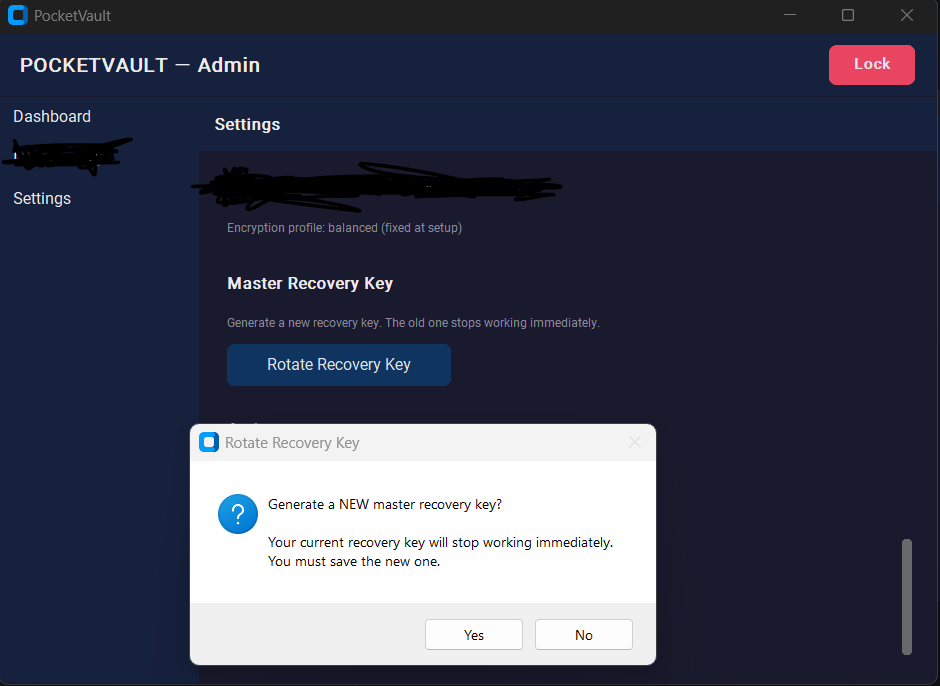
Master recovery key
A 128-bit key shown once at setup escrows the drive secret, so a damaged or reformatted stick is still recoverable — by you, with the key, and no one else.
Uniform unlock timing
Unlock does the same cryptographic work and enforces a minimum response time whether the password is right or wrong, so timing tells an attacker nothing.
Hardware binding
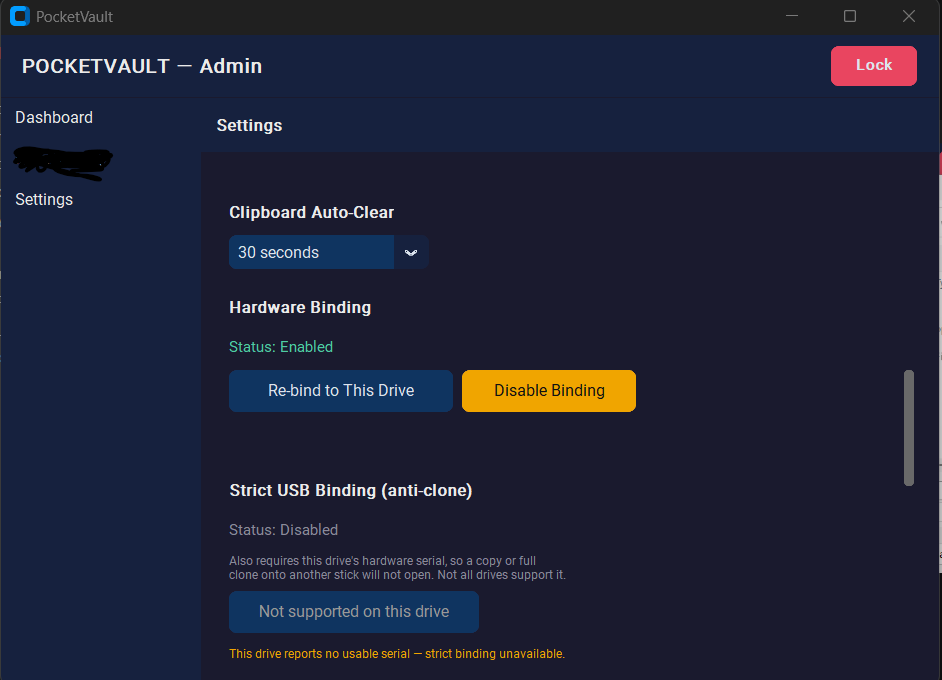
This is the feature that makes PocketVault more than "encrypted files in a folder." A secret is mixed into every key and stored sealed against the drive itself — so copying the vault's files onto a different stick produces something that cannot be decrypted, even with the correct password. Crucially, the binding follows the drive, not the computer: the same USB unlocks on any machine you plug it into.
| Mode | Bound to | What it stops |
|---|---|---|
| Standard | USB volume identity | Casual file copying to another drive. Works on any PC; reformatting releases it (recover with the master key). |
| Strict (anti-clone) | USB controller hardware serial | Even a full sector-by-sector clone onto another stick — the clone reports a different hardware serial and won't open. |
| Off | Nothing | Portable to any disk. For users who only want password protection. |
Protections
Encryption is necessary but not sufficient. Around the cipher sits a layer of practical defenses against the ways a vault actually gets compromised — guessing, tampering, shoulder-surfing, and a drive left unlocked on a desk.
Brute-force lockout
Wrong guesses trigger escalating timed lockouts. Combined with the memory-hard KDF, online guessing is impractical.
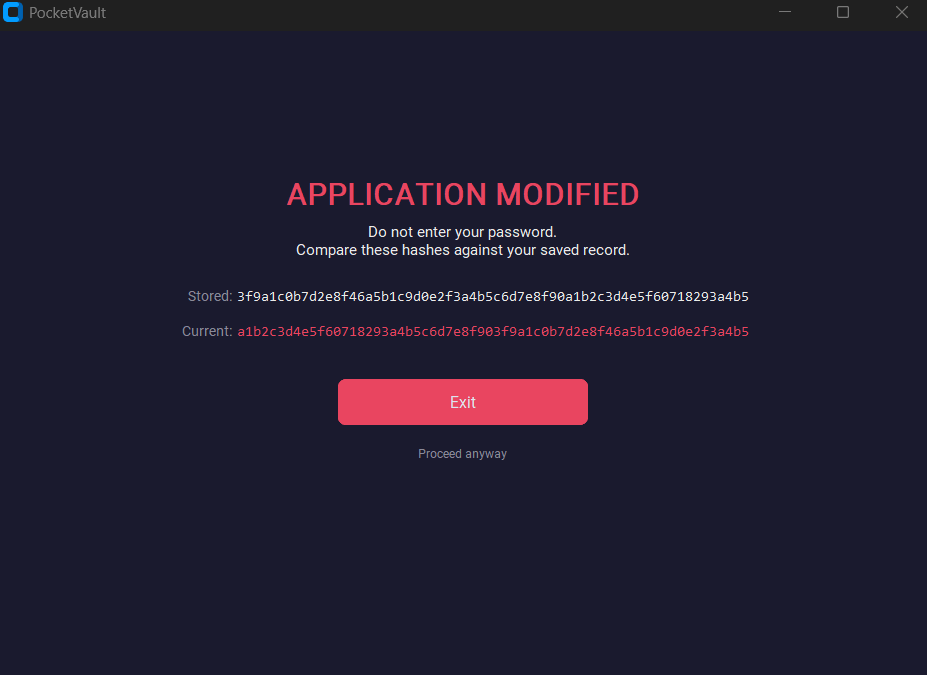
Integrity baseline
The app fingerprints itself and re-checks against a baseline sealed inside the encrypted vault — so a swapped or modified executable is flagged after you unlock, not silently trusted.
Secure deletion
Deleted files are overwritten before removal (best-effort on flash) so the bytes don't simply linger as recoverable free space.
Auto-lock
Configurable idle timeout, instant lock on a key press, and an option to lock the moment the window is minimized.
Auto-clear
Anything you copy out of the vault — including your recovery key — is wiped from the clipboard on a timer.
Atomic writes
Every write goes to a temp file, is flushed to disk, then atomically swapped in — a yanked drive mid-write can't corrupt the vault.
The app
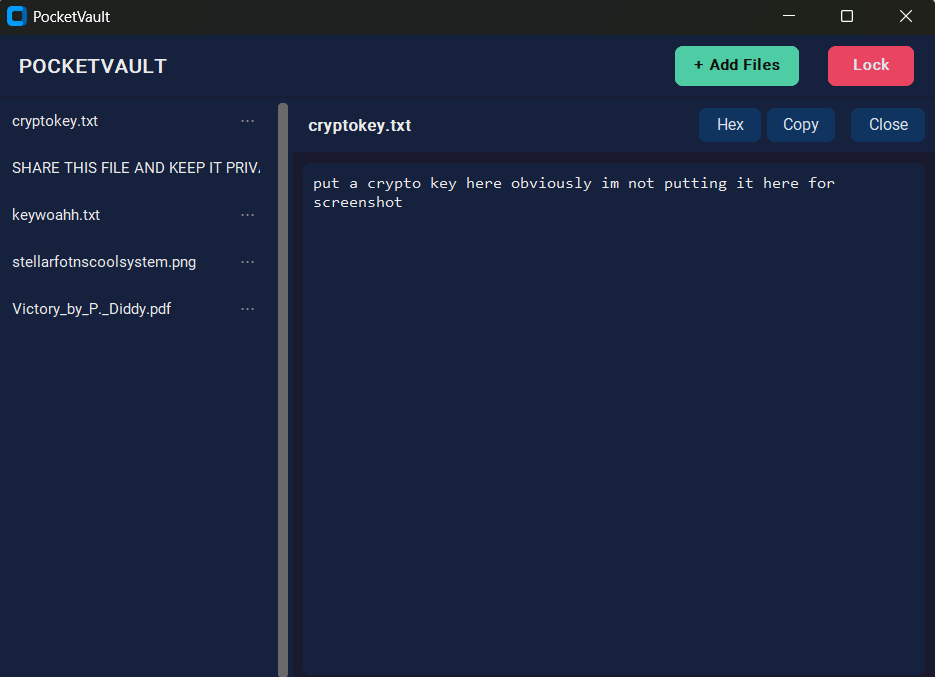
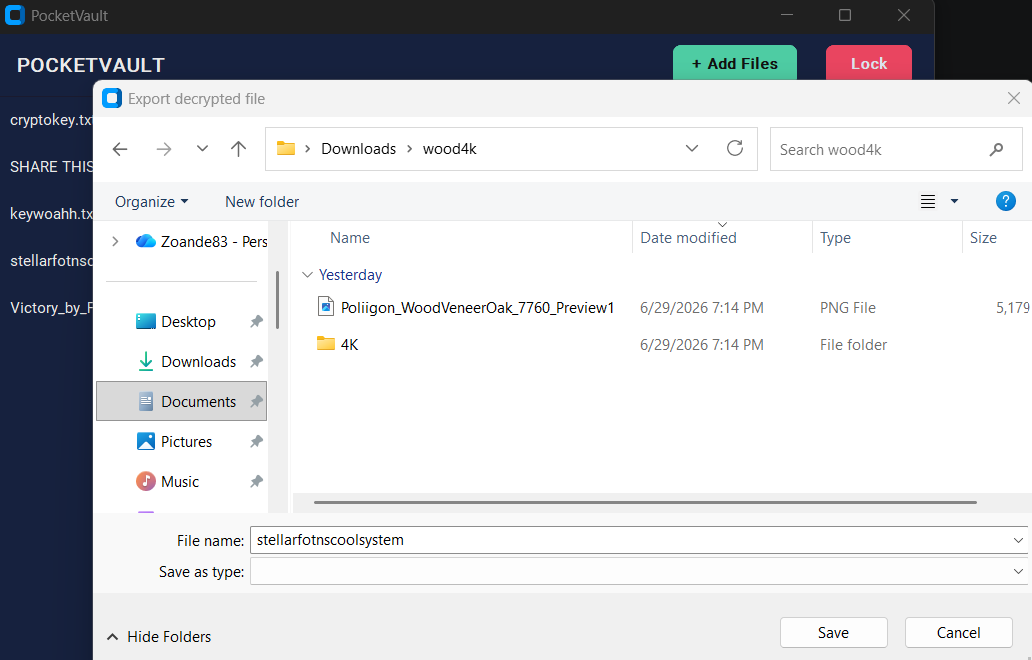
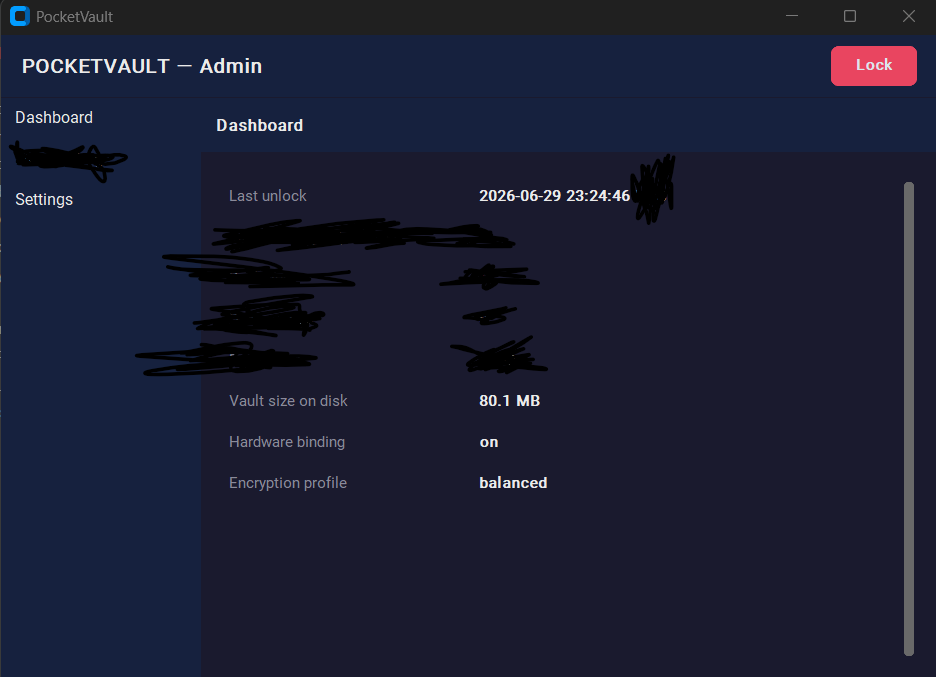
For all the machinery underneath, the surface is a calm, dark native desktop app. A first-run wizard walks you through your password, your security trade-offs, and saving your recovery key; after that it's just unlock, browse, and lock. Files can be viewed in-app (text or hex) without ever writing a decrypted copy to disk.
Tech stack
Python for the logic, vetted libraries for the cryptography, a native widget toolkit for the UI, and PyInstaller to fold it all into one portable executable that runs straight off the stick with nothing to install.
How it's built
The codebase is small on purpose — three modules, one job each. A security tool you can read end-to-end is one you can actually trust.
Status
Working and in active use as a private build. The full loop — set up, unlock, add and view files, bind to hardware, recover, and lock — runs end-to-end, packaged as a single portable executable. It is intentionally not public: a vault's security profile is something we discuss directly rather than publish. Specific internals are kept deliberately undocumented here.
Want access to PocketVault?
PocketVault is a private build with no public download. If you have a use case for a portable, hardware-bound encrypted store — or just want to know more about how it works — reach out and we'll take it from there.