Overview
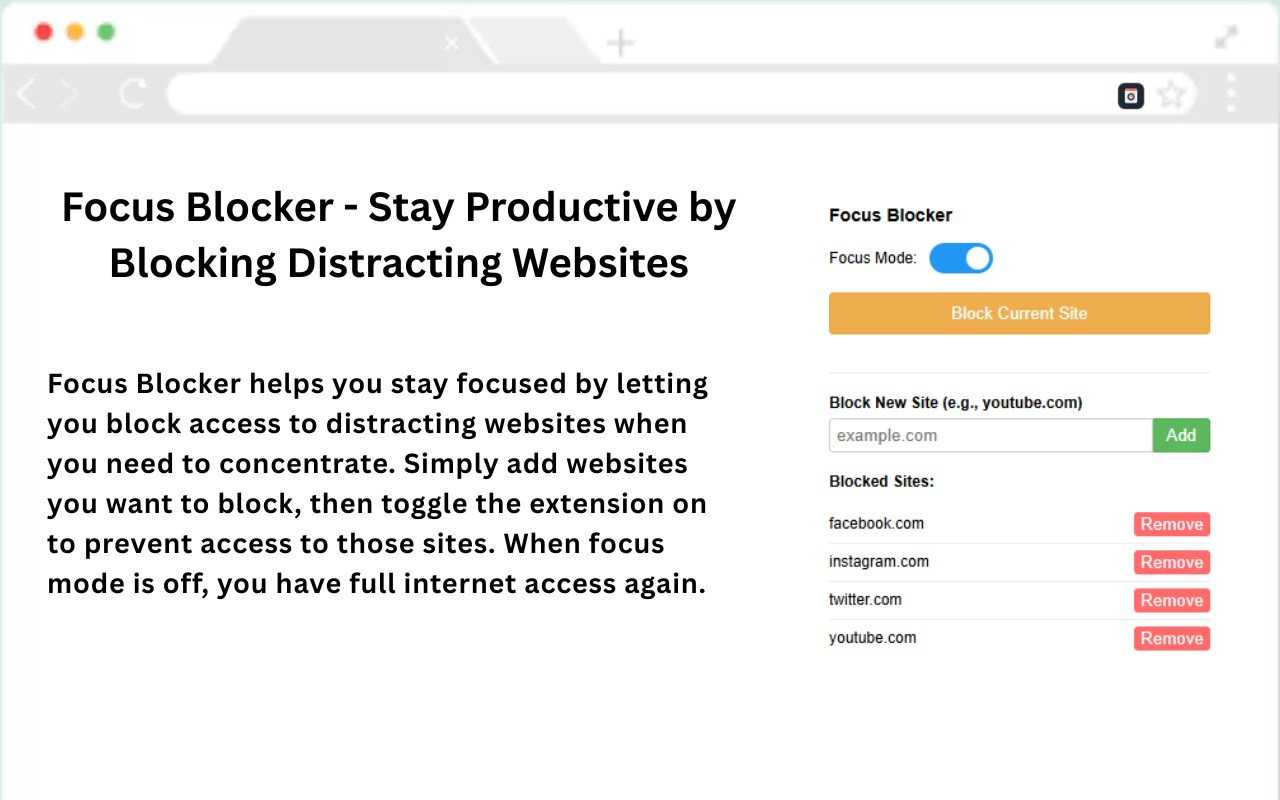
Focus Blocker is a site-blocking extension for Chrome and Edge. It uses the browser's Declarative Net Request API, which means blocking happens at the network level - there's no background script watching your traffic, and nothing leaves your device. Add a domain, toggle focus mode, and it's blocked. That's about it.
What It Does
Site Blocking
Add any domain to your blocklist and it gets blocked the moment you try to visit it. No delay, no loading screen.
Focus Mode Toggle
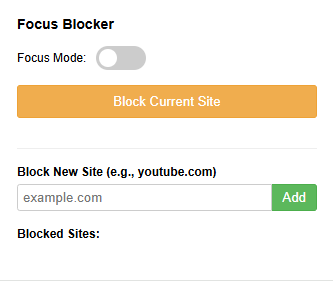
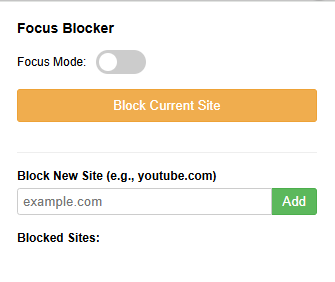
Switch focus mode on or off from the popup. When it's off, your blocked sites load normally.
DNR-Based
Uses Chrome and Edge's Declarative Net Request API. Blocking is handled by the browser, not a content script - so it's fast and doesn't read your page data.
Custom Blocklist
Type in any domain and add it. No preset categories you have to work around - just a list you control.
No Data Collection
Nothing is sent anywhere. Your blocklist stays on your machine. There's no account, no sync, no telemetry.
Minimal Footprint
Doesn't run any persistent background processes. Low memory usage and no impact on page load times.
Extension Preview
Where It's Used
Installed in 22 countries across 4 continents.
Built With
Declarative Net Request
The DNR API is Chrome and Edge's preferred way to do network-level blocking. Faster and more private than the older webRequest approach.
Manifest V3
Uses the current extension architecture standard, so it won't break when older APIs get deprecated.
No External Dependencies
Everything runs inside the extension. No libraries, no CDN calls, no remote config.
Add Focus Blocker to your browser
Free. No account needed. Works on Chrome and Edge.
113+ installs across 22 countries
 Add to Chrome
 Add to Edge